
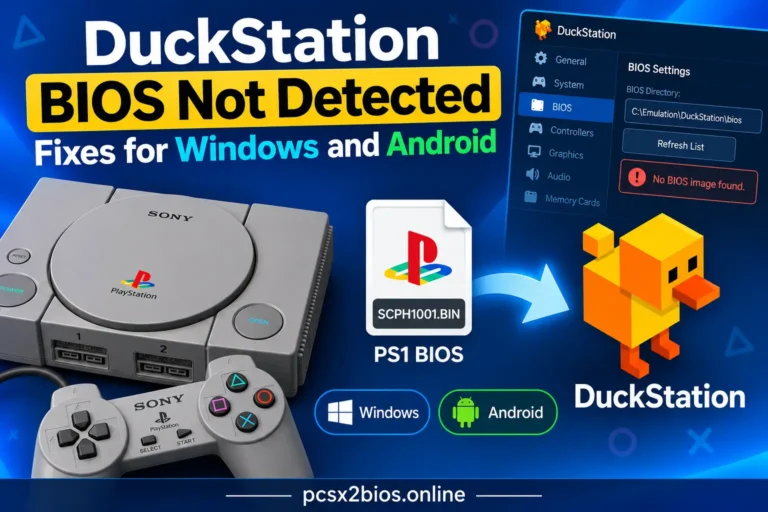
DuckStation BIOS Not Detected: Fixes for Windows and Android
If DuckStation says “No BIOS image found,” check the BIOS Directory first. Open Settings → BIOS, make sure the extracted BIOS file is inside the folder DuckStation is scanning, then select Refresh List. If the BIOS still doesn’t appear, check the folder structure, file size, BIOS validity, regional selection, and any manually selected BIOS path….